
DATA RECOVERY services
Broken drive or deleted files? We can often get them back
If it is technically possible, you often get all your files back
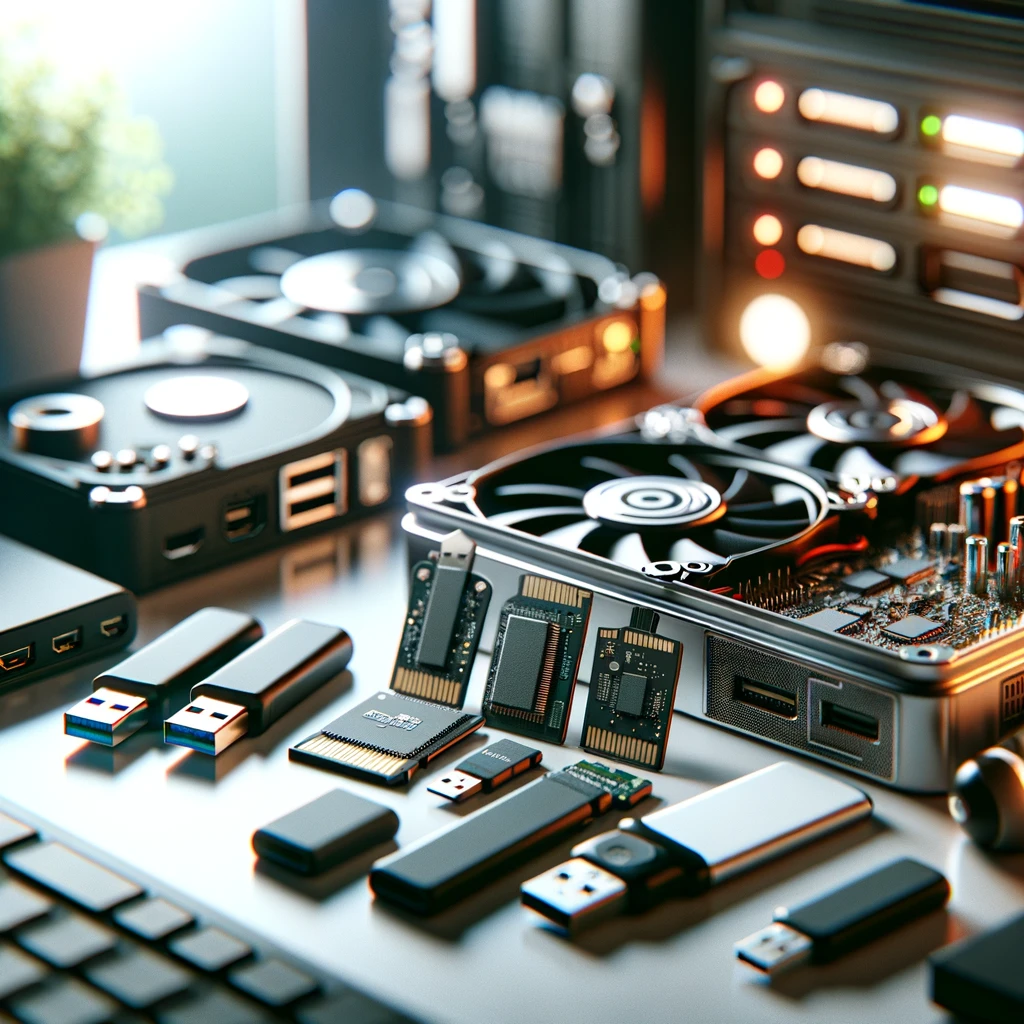
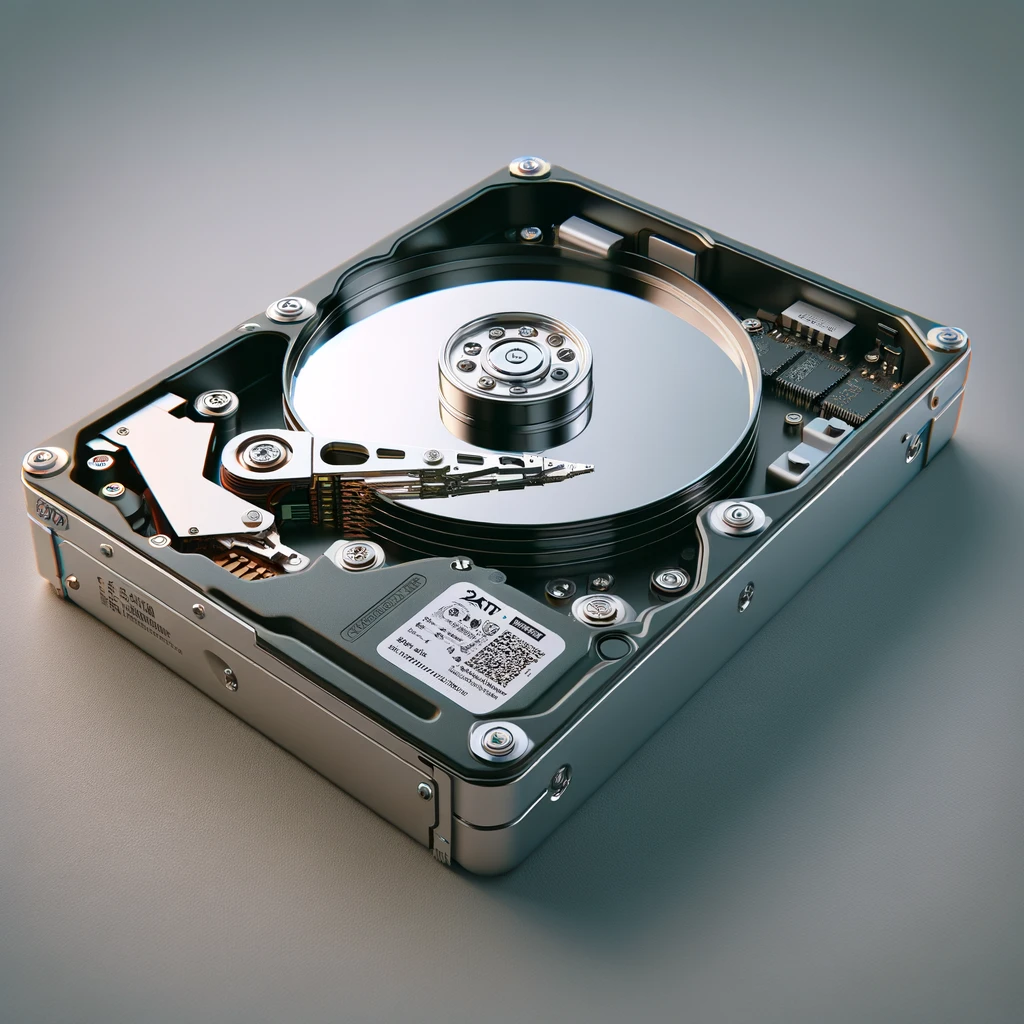
We recover your files and help you prevent data loss
Your files are stored on a hard drive, SSD, USB stick or memory card. It is inside your computer, or you use it separately as an external drive.
Storage wears out
Hard drives, SSDs, USB sticks and memory cards wear out. Replace a memory card or USB stick after 1 to 1.5 years. Replace a hard drive after about 4 years. If you don’t? Your computer gets slower and errors appear. Your files get damaged or disappear. In the end, your computer no longer starts, or the drive seems empty.
You cannot undo wear
Online, you sometimes read that programs can rescue a worn-out drive. That is not true. Such attempts only make the problem worse.
What you get from us
Data recovery for any computer
For Windows PCs, Apple computers, laptops and more.
Fast diagnosis
We quickly find out the best way to recover your files.
High chance of success
Our experts often recover lost or damaged files.
Safe and confidential
We handle your files with care, from start to finish.
On the spot
If possible, we recover your files at your place. If not, we take the device with us. We aim to finish within 3 business days.
Advice
After the recovery, you get tips on backups and on preventing data loss.
Contact us for reliable data recovery.
What to Do When Data Disasters Strike
Your hard drive has stopped working. Your NAS (network drive) cannot be reached. Your external drive seems empty. What now?
Is your hard drive, SSD, USB stick or memory card broken? Then don’t make the problem worse. Have the drive examined by an expert and reliable company.
Don’t do this yourself
- Don’t try to fix it yourself with YouTube videos or free programs.
- Don’t open the drive.
- We use the same forensic software as the police and the courts. With it, we examine broken drives and reliably recover your files. This software is expensive. That is why data recovery is specialist work.
How we work
- You pay a starting fee for the first examination, including a basic analysis.
- Then we discuss the next steps together. This keeps costs under control, and you quickly know where you stand.
- If needed, we often collect the drive from you the same day.
Contact us for reliable data recovery.
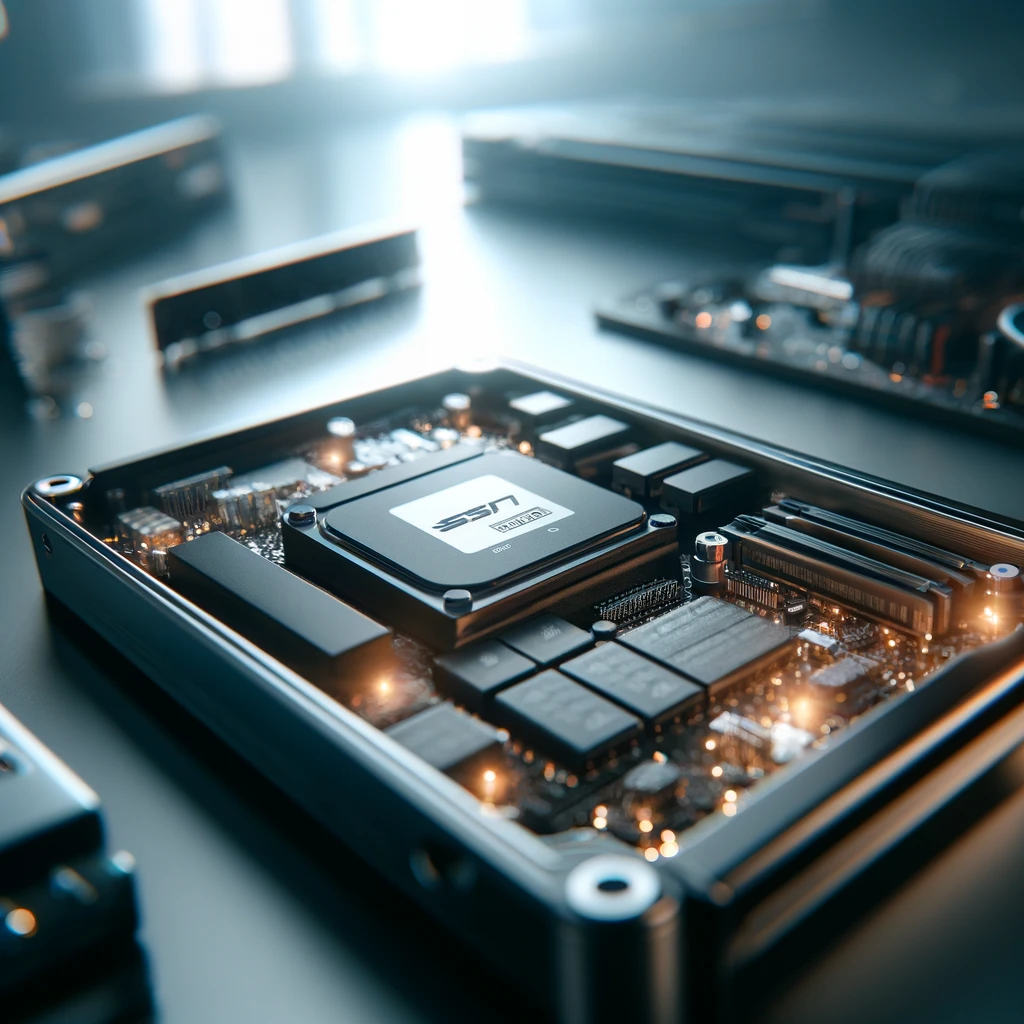


Pros and cons of an SSD
An SSD (solid state drive) is a fast storage drive without moving parts. An SSD has many advantages, but also one disadvantage. So choose the right SSD and get good advice.
Do you replace the hard drive in an older computer with an SSD? You will notice it right away. The computer starts much faster. Programs and the internet respond almost instantly. And the computer is quieter.
Advantages
Faster
An SSD reads and writes much faster than a normal hard drive. Your computer starts faster and copies files faster.
Stronger
An SSD has no moving parts. So it handles shocks and vibrations better. Ideal for laptops.
More economical
An SSD uses less power. Your laptop battery lasts longer and you pay less for energy.
Silent
An SSD makes no noise.
Cooler
An SSD gets less warm. Your computer lasts longer and overheats less easily.
Disadvantage
An SSD cannot store data endlessly
After a very large number of writes, an SSD stops, without warning. Good SSDs have software that monitors the SSD and records problems.
Choose the right SSD
With an SSD, cheap often turns out expensive. We choose reliability. That is why we only use Samsung SSDs, with a 3 to 5 year warranty. An SSD makes your computer faster, more reliable and more economical.
We make your computer faster with an SSD
We put an SSD in your older Windows or Apple computer, if this is technically possible. It takes a few business days. All your programs and files are kept. After that, you carry on with a faster computer straight away.
Find out what we can do for you
Would you like to know what we can do for you with data recovery or an upgrade? Contact us today. Our experts will find the best solution with you.
Contact us for a reliable upgrade.
What our customers say
"In 2008, we called the Computerdokter for the first time. Key words: quick response, effective solutions, inventive in solving and preventing problems. Our security was found to be vulnerable and was addressed. After our move to Berlin, we continued maintenance with the Computerdokter, mostly performed via Remote Assistance."
"I have experienced the Computerdokter as a skilled craftsman and a nice person as well, who explains things well in a patient manner. He provides excellent service quickly."
“I have been a customer for some years and am very satisfied with the service. Whether identifying and solving problems or buying and installing a new computer. Recommended.”
"Computerdokter was recommended to me by a friend, and I'm so grateful she did that. Their help has been excellent. As a small business founder with zero IT expertise, it's a huge relief to know their support is there when I need it. From the basics of setting up my IT infrastructure to the peace of mind of knowing I now have a proper backup system in place and for my random ad hoc requests. The Computerdokter's expertise and professionalism come through every time. I couldn't recommend them more."
"I rang up the Computerdokter expecting the usual 'have you tried turning it off and on again' advice. Instead, I was pleasantly surprised: they had my computer running smoother than before in no time. Jolly good service, highly recommended!"
"The Computerdokter takes all computer worries out of your hands. Laptops were delivered as agreed, and the data was transferred correctly. Sound advice on security. Professional and prompt."
"I have no criticism whatsoever. They arrived on time. The work was done quickly. No mess left behind. Extra installation for more security. All of this at a reasonable price. If only all so-called 'professionals' left me with such a satisfied feeling..."
“I am extremely satisfied with Computerdokter: knowledgeable, fast and highly efficient service, even when dealing with a challenging NAS recovery. In addition, expert advice on hardware matters. Highly recommended!”
"Since 2004, the Computerdokter has been providing IT solutions for us. From data transfers from old computers, WiFi problems, to advising on the right hardware, software, and IT security for both personal and business use. Extremely decisive and meticulous way of working. Very satisfied."
"Prompt service and expertly resolved the issue with my slow computer."
"Called the Computerdokter when my laptop decided to take an unscheduled holiday. They fixed it faster than I expected. Top-notch service, friendly staff and outstanding results. Will use again!"
“Accurate, reliable, punctual and fully worthy the price (always more than justified and reasonable) and offering fully guaranteed services. Thank you Doctor!”
"Customer orientation is evident in the quick service following an email or phone call. Their professional attitude and high critical thinking skills are greatly appreciated."
"Very fast and attentive help after my PC crashed; a prior price quote was not possible because of this; especially knowledgeable and helpful staff."
"After quite a debacle with a student-at-home service, I got this address through acquaintances. The problems are now truly solved, everything is faster than ever. Security was addressed, WiFi improved, and tips were given. Very satisfied!"
"Knowledgeable, fast, friendly, and reliable."
"When it became clear that the problem couldn't be solved with Remote Assistance, the PC was picked up the same day. My needs were carefully listened to. The PC was repaired and returned the next day. Excellent service at a good price. Very satisfied."
"Professional, fast, and expert – decisive and concise."
"Resolved professionally and expertly."
"Since the Computerdokter has been maintaining our computers biannually, everything has been working flawlessly for the first time. The advice to give each of the children their own system was spot on. Our computer never crashes anymore, while the kids' computers still have issues due to all their experimenting."
"The Computerdokter provided excellent service by delivering a refurbished laptop of outstanding quality, setting it up for me, and installing it at home. This great result was achieved in a short time and at a very reasonable price. A huge relief in my digital emergency! I highly recommend this Computerdokter."
"Quick response, excellent problem analysis, adequate solution well within the expected timeframe. Costs are entirely acceptable given the high level of service. Definitely worth repeating."
"The most important thing is trust. In these circumstances, it is invaluable. Of course, they are knowledgeable. Responds quickly. No slick sales talk. Listens well."
"More than those 5 stars..."
"The administrative computer in my practice stopped working. Within 24 hours, everything was up and running again. On their advice, I ensured backup power and backups to prevent this kind of trouble from happening again."
"We know more about Porsches than computers, so we outsource it. Correct, fast, and excellent service."
"Equipment is maintained and replaced when necessary in consultation. During relocations, everything is dismantled and reinstalled. A reliable and knowledgeable partner."
"Flexible, easily reachable by phone or email, and quickly available to fix your computer 'problem'! Reliable – he delivers what he promises/agreed upon with you. Super relaxed person with knowledge of his field."
"The problem was quickly and expertly analyzed and resolved. My computer no longer crashes and even works faster. Additionally, advice was given to prevent future issues. Very satisfied."
"Even on weekends, there is a prompt response to questions and problems, which are resolved immediately!"
"Immediately after we made contact, the problem was solved with Remote Assistance while we were abroad. My old computer was also made like new again. Very satisfied with the excellent service!"
"The perfect scores speak for themselves."
"Surprisingly quick assistance with my very slow iMac. Clear explanations, which is very pleasant for a layperson. Solution-oriented approach. I got my computer back the next day. Surprisingly, the repaired Time Capsule now works perfectly (even Apple couldn't help me with it)."
"Our computer was very slow and often crashed. The Computerdokter even explained to us non-tech-savvy people what was wrong and how to prevent new problems. We immediately ordered a new laptop from them. Very satisfied, highly recommended!"
"A customer since 2009 and still very satisfied."
"My outdated system caused quite a few problems. Thanks to expert customization and clear advice, I now have a system that fully meets my needs. Regular updates via email kept me constantly informed of the progress. Highly recommended."
How customers rate our service
- ON TIME 89%
- QUALITY OF OUR ADVICE 93%
- KEEPING AGREEMENTS 98%
- INFORMATION DURING THE REPAIR 94%
- REPAIR WITHIN THE AGREED TIME 93%
- QUALITY OF THE WORK OVERALL 96%





Do you need urgent IT help? Call +31 70 362 09 63 or WhatsApp/SMS +31 6 48 08 00 70
We only work with top brands


Contact
Office and postal address
Columbusstraat 79a, 2561 AC Den Haag
(No shop, no visiting address)
Chamber of Commerce no.
27.147479
VAT number
NL.001957197.B15
Certification
Member of ICT Waarborg
Our service area
View our service area
E-mail
info@computerdokter.nl
Telephone
+31 70 362 09 63
SMS & WhatsApp +31 6 48 08 00 70
Signal Computerdokter.01 / +31 6 48 08 00 70
Telegram Computerdokter.nl / +31 6 48 08 00 70
Our vCard
Save contact details